Now 30: fees, brands and categories on the new financing plan
The plan for financing and purchasing appliances Now 30 began to take effect on Friday. The new program was regulated through the [...]


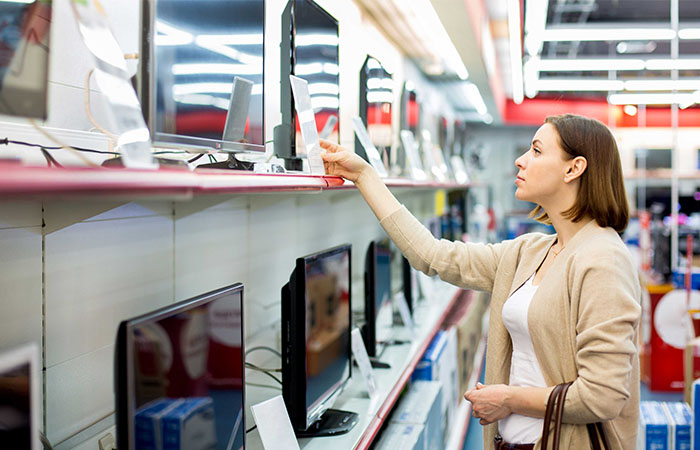
The plan for financing and purchasing appliances Now 30 began to take effect on Friday. The new program was regulated through Resolutions 56 and 57/2022, published in the Official Gazette and will govern until December 22. This Monday, the Ministry of Commerce released more information. What are the five categories included in the program, what are the brands that participate and where the products can be purchased.
What can I buy?
• Televisions
• Cell phones
• Air conditioners
• Refrigerators
• Washing machines
Bazar Avenida S.A. (Megatone), Carrefour, Casa Luis Chemes, Cetrogar, Compumundo, Cooperativa Obrera Limitada de Consumo y Vivienda, Coppel, Coto, Dinosaurio, Disco, Dorinka S.R.L. (Changomás), Easy, Electronica Megatone S.A. (Musimundo), Fava, Fravega, Garbarino, Jumbo, La Anónima, La Luguenze, La Reina, Maransi, Marquez, Maxihogar, Musimundo, Naldo Lombardi, Pardo, Riiing, Supermercados Toledo, Vea.
What are the brands that participate?
[one_third] Air conditioners
• Hisense
• Philco
• Noblex
• Carrier
• Surrey
• Midea
• BGH
• Hitachi
• RCA
• TCL[/one_third][one_third] Cell phones
• Motorola
• Philco
• Noblex
• Samsung
• TCL
• ZTE
• Alcatel[/one_third][one_third_last] Refrigerators
• Columbia
• Capacity
• Electrolux
• Drean
• Patrick
• Philco
• Samsung
• Bricket[/one_third_last]
[one_half] Washing machine
• Columbia
• Drean
• Aurora
• Patrick
• Whirpool
• Samsung
• LG
• Philco[/one_half][one_half_last] TVs
• Motorola
• LG
• Noblex
• Hisense
• Phillips
• AOC
• Hyundai
• Admiral
• TCL
• Quint
• Telefunken
• BGH
• Hitachi
• RCA[/one_half_last]
Below, we indicate the step by step to join Program 30.
1- Enter the site https://autogestion.produccion.gob.ar/ahora30
2- Log in with the desired authentication method (AFIP Fiscal Code, My Argentina or RENAPER DNI).
3- Complete the details of the business and the signing representative on the web platform.
4- Download template with agreement model.
5- Sign the agreement in legible writing (or digital signature) with a certain date and attach a file to the site in PDF format.
6- Download template with Annexes I (basket of products included in the Program) and II (establishment points of sale).
7- After downloading the template, indicate in the Annex I tab those products of the general basket worked by the business to be added, selecting the drop-down list of the excel template offered by the site.
8- Enter the branches of the business in the Annex II tab.
9- Attach Excel file with information on products sold by the establishment (Annex I) and existing points of sale (Annex II).
10- Attach enabling power to sign the agreement.
11- Attach a copy of both sides of the DNI of the person authorized in power.
12- Attach proof of AFIP registration of the business to join the Program.
13- Attach a photo of the physical business (of a branch). It should be remembered that those businesses that have at least one physical location are eligible to join.



Latest news

Outstanding sector