
Asus: How to choose your next notebook with AI, according to your needs
ASUS shares the key factors to choose a notebook with integrated artificial intelligence that truly adapts to the use you are going to give it.


More and more notebooks incorporate artificial intelligence directly into the hardware, but not all offer the same level of capacity or are designed for the same type of use. Before choosing new equipment, there are some technical factors that should be taken into account. ASUS shares a guide with the key points to evaluate.
First thing: understand what NPU is and why it matters
The NPU (neural processing unit) is the component that allows artificial intelligence tasks to be executed directly on the computer, without depending on external servers or an internet connection. This translates into faster response speed and the fact that the processed data – photos, documents, audio – do not need to leave the device.
The capacity of an NPU is measured in TOPS (operations per second in trillions). For everyday AI functions—meeting transcription, document summaries, on-screen contextual search—a mid-range NPU, in the range of 45 to 50 TOPS, is more than sufficient. For more demanding tasks—high-resolution image generation, AI-assisted video editing, or intensive creative workflows—the recommendation changes: a dedicated NVIDIA GPU with CUDA cores offers significantly more processing power, as it can parallelize thousands of simultaneous operations more efficiently than a conventional NPU.
Four factors to consider before buying
- Size and weight: If you are going to carry the notebook every day, prioritize light equipment (1.2-1.4 kg). If you are going to use it mostly in one place, a larger screen may weigh more in favor of visual comfort.
- Battery life: For long days without access to a plug—travel, courses, field work—look for devices with more than 15 hours of declared battery life.
- NPU Capacity (TOPS): I defined what you are going to do with AI. Light tasks (summarizing, transcription) don't require as much power; Intensive creative editing does benefit from more powerful NPUs.
- RAM and storage: AI processing consumes resources in parallel to regular tasks. 16GB of RAM is a reasonable floor; For heavy multitasking, 32GB or more avoids bottlenecks.
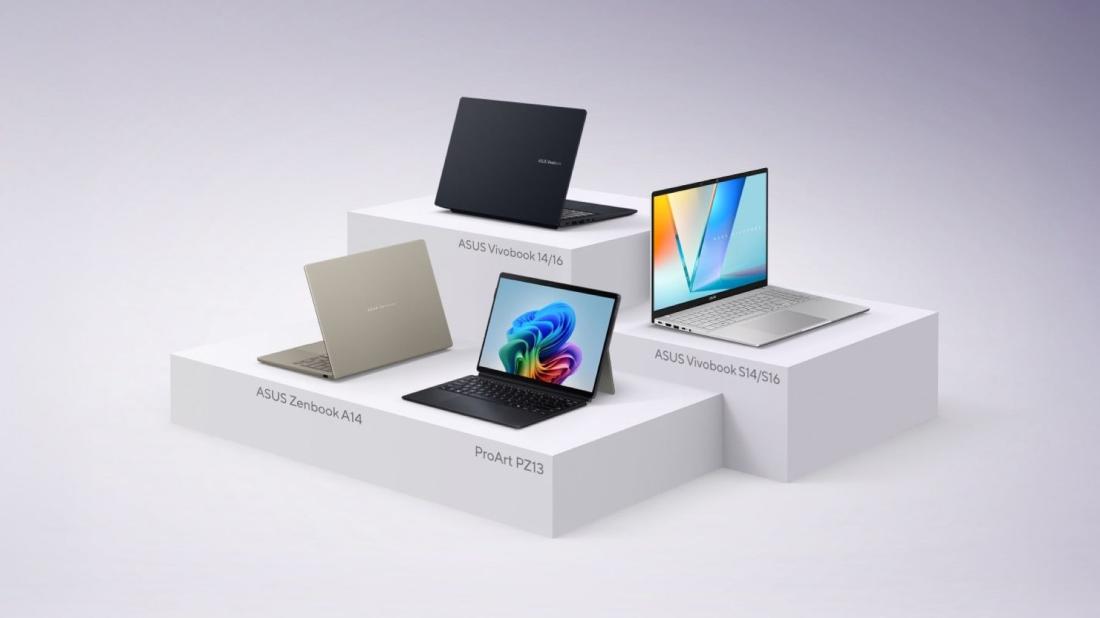
Depending on the type of user
Not all users need the same thing from a notebook with AI. Some quick references:
- Students: light equipment, with a good battery and mid-range NPU — enough and more than enough to summarize bibliography, transcribe classes and organize notes.
- Hybrid professionals and freelancers: Portability and autonomy are the priority, as AI is mainly used to automate administrative and communication tasks.
- Content creators: It is advisable to prioritize NPU capacity and RAM, since tasks such as photo or video editing directly benefit from greater processing power.
- Everyday use and multipurpose: A balance between price, battery and mid-range NPU covers most cases without overpaying for power that you will not use.
An example available in Argentina
Among the devices recently launched in the country, the ASUS Zenbook A16 combines a high-capacity NPU with a 1.2 kg design and more than 21 hours of battery life — a combination designed for those who prioritize portability without sacrificing AI processing power.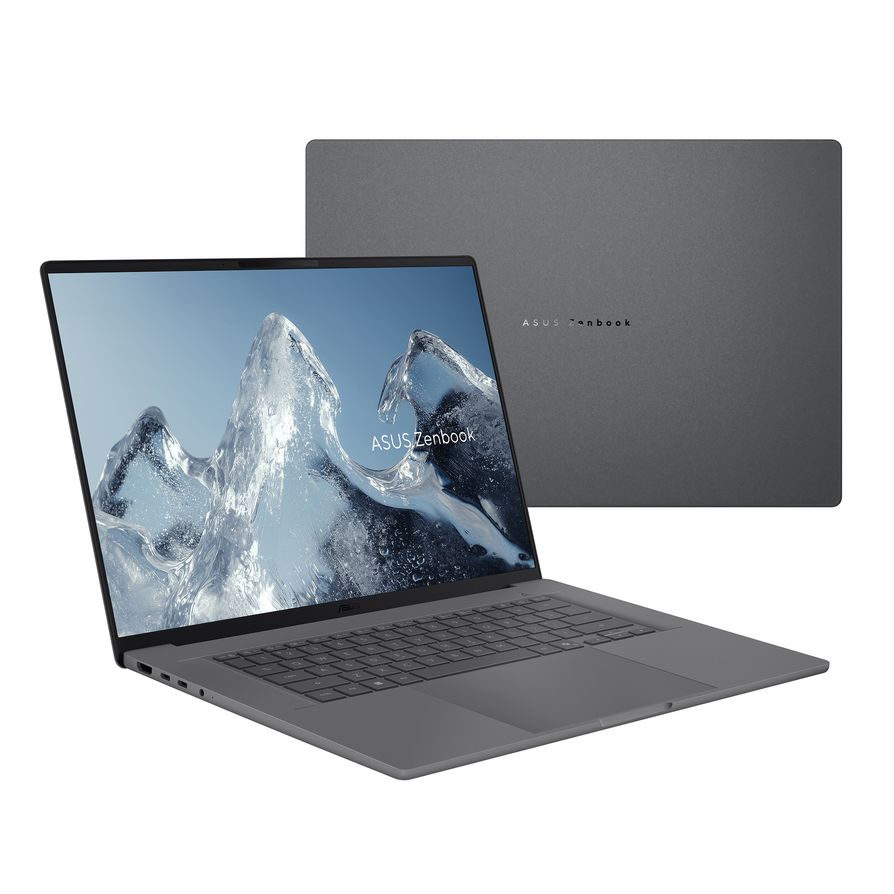




Latest news

Outstanding sector